





Your Guide To Digital Crafting
|
|
Time to read 2 min
|
|
Time to read 2 min
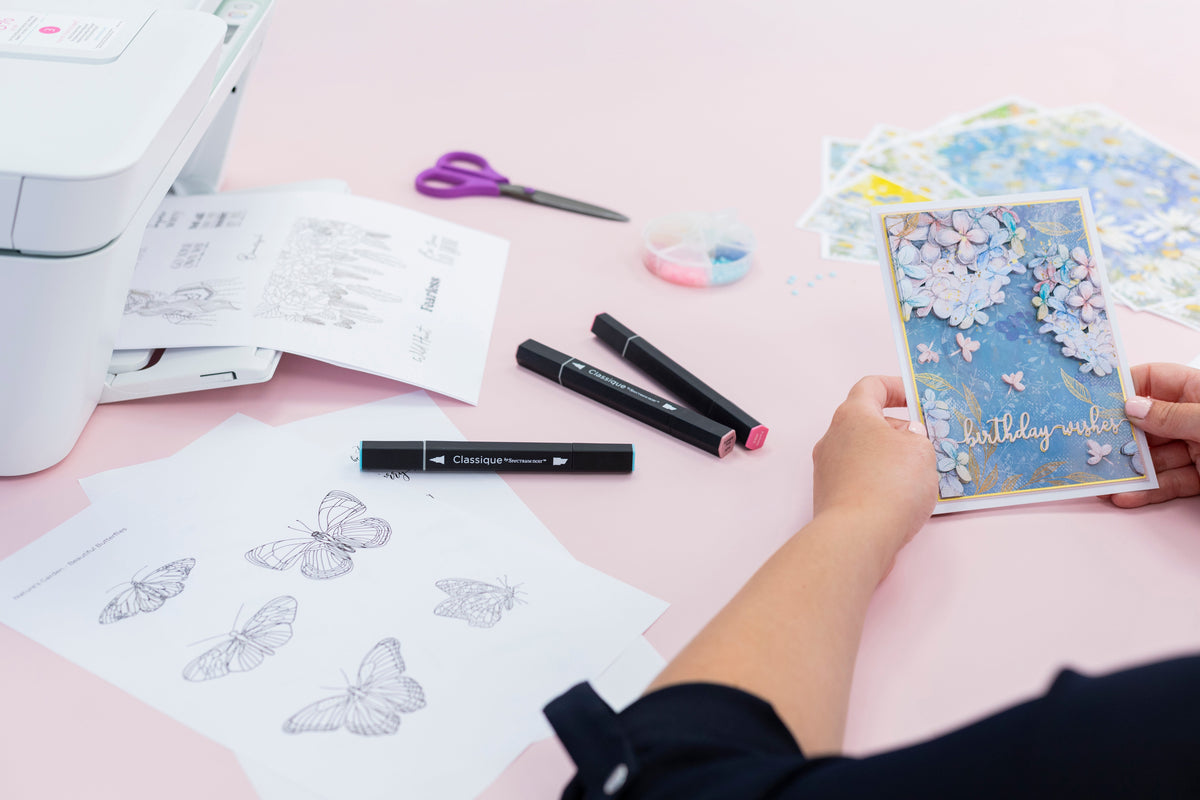
We’re so excited to share our latest arrivals of Digital Downloads! You’ll find some of our most-loved designs, now available as printable paper pads, digital stamps you can print again and again and, for the first time ever, SVG files ready for your digital cutting machines. It’s everything you need to craft your heart out, right at your fingertips! If you’re wondering what our Digital Downloads are all about, or want to understand how they work, we’ve put together this handy guide to walk you through everything you need to know!
Digital crafting means using your computer, printer and/or cutting machine to design, print, and cut creative elements like papers, stamps, and SVGs for crafting projects. And If you’ve ever used your computer to create a document, send an email or download photos you can use digital crafting products - It’s as easy as that!
We’ve taken some of your favourite paper pad designs—the ones you’ve loved using in physical form—and made them digital!
Digital paper pads are collections of gorgeous patterned papers that you can download and print whenever you need them. You can print them in any size or layout, so they’re flexible to fit your project. And you can mix, match and reprint them as many times as you like—perfect for your card-making, scrapbooking, and more!
That means you won’t run out of your favourite pattern halfway through a project and you can keep crafting with the designs you love, anytime.
Digital stamps are a modern twist on a crafting favourite. They are downloadable black-and-white line-art images, usually in PNG format, which gives you the ability to print out as many as you need, whenever you need them.
They’re perfect for adding beautiful details or focal points to your cards, scrapbook pages, or mixed media projects. And because you can print them over and over again, they’re a super convenient and easy way to add a handmade touch to all of your crafty makes.
SVG (short for Scalable Vector Graphics) files are handy to have if you’re using a digital cutting machine.
We’ve taken some of our most popular dies and turned them into SVGs so you can cut out your favourite shapes, sentiments, and decorative elements with precision and ease! Our SVGs are vector files which means they're completely resizable without any loss of quality and they’ll stay perfectly sharp.
Simply upload the SVG to your machine’s design software, adjust the size and layout if needed, load up your chosen material (like card, vinyl, or fabric), and let your machine do the magic!
Computer – Any PC or laptop should be able to run design or cutting software. Your computer would also enable you to send the designs to the printer.
Printer – Choose printable card stock for better results. Why not try printing our digital papers onto Centura Pearl for a gorgeous shimmering finish?
Digital Cutting Machine – A digital cutting machine that reads SVG files and does precision cutting.
Printing your new digital papers is easy!, Simply load up the designs, send to print and resize if necessary. You can resize or make adjustments through a program like Photoshop, or right through your computer’s free file preview program. And print, that’s all!
Start by adding the SVG files to your design software. Resize as needed for your project and add the material you would like to cut, then send to cut.
(Please note this may differ depending on your digital cutting machine. It’s important to follow the instructions and suggestions in your machine’s instruction manual.)


